
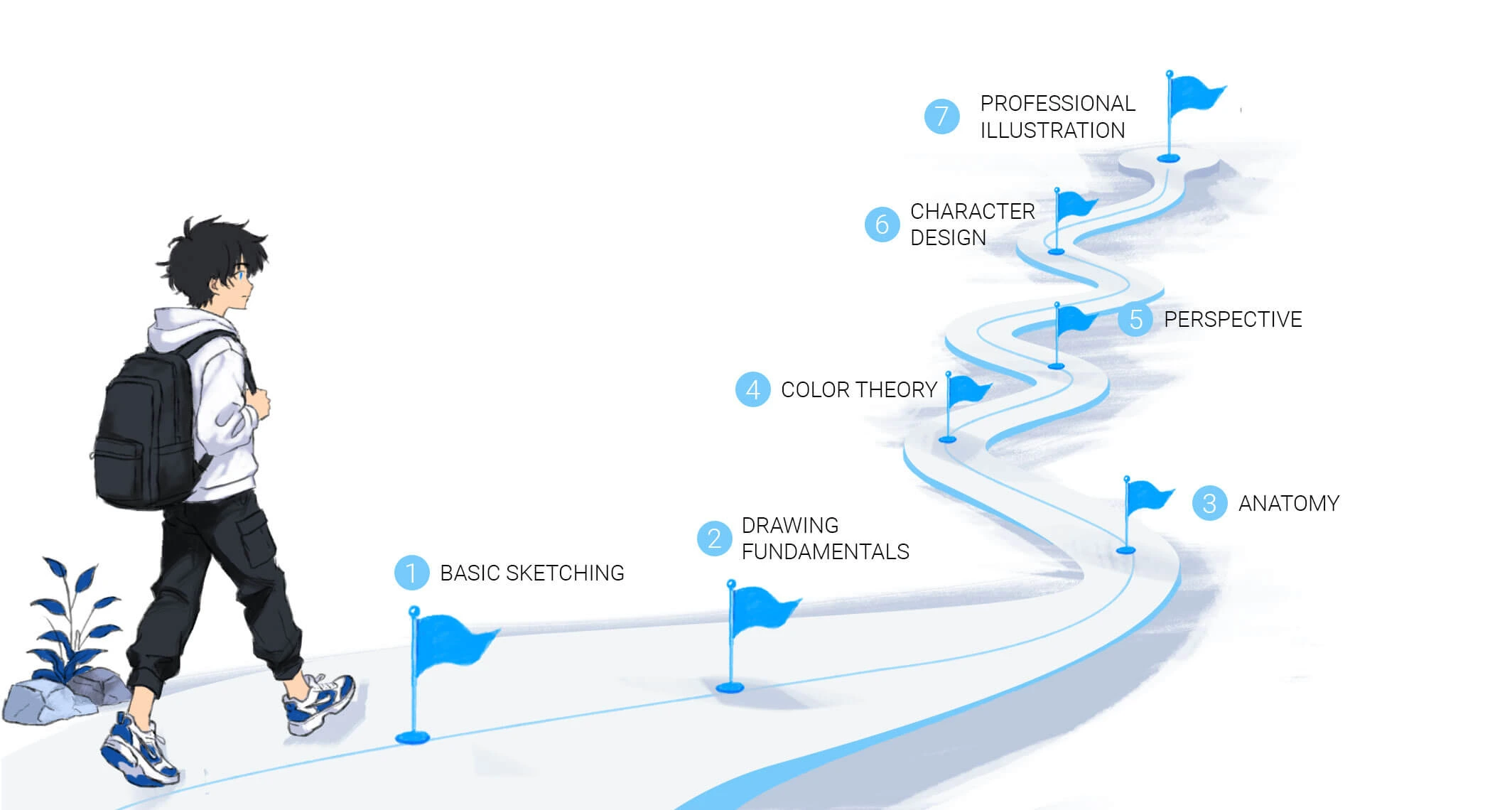
When I was learning digital art, I didn’t have a structured curriculum or a teacher pointing me in the right direction. I had YouTube, a lot of free time, and the willingness to paint badly for months until things started clicking.
That mix of YouTube and just painting a lot is still, honestly, how I’d recommend most people learn. Not because structured courses are bad — but because the free resources available today are genuinely excellent, and the discipline of finding your own path through them builds something that a rigid curriculum doesn’t: the habit of self-directed learning that every working artist needs.
This guide covers the best free platforms and channels I know of for learning digital art — some of which I used personally, and all of which I can recommend with a clear reason. I’ve marked the ones I’ve used directly so you know where the opinions are firsthand versus research-based.
💬 From Allard — how I actually learned:
My learning path wasn’t linear. I started drawing in grade school with pen and paper, made my own manga in high school with a ballpoint pen, and eventually moved into digital art when I bought a Wacom Intuos Pro with my first developer paycheck. From there it was a mix of watching YouTube tutorials — Proko for anatomy, Sycra for painting logic, Marc Brunet for overall direction — and then just painting. A lot of painting. Hundreds of hours of finishing pieces, making mistakes, and figuring out what went wrong. The YouTube content gave me the vocabulary. The painting gave me the skill. You need both.
Foundational Resources
Ctrl+Paint — Where to Start if You’re Starting From Zero
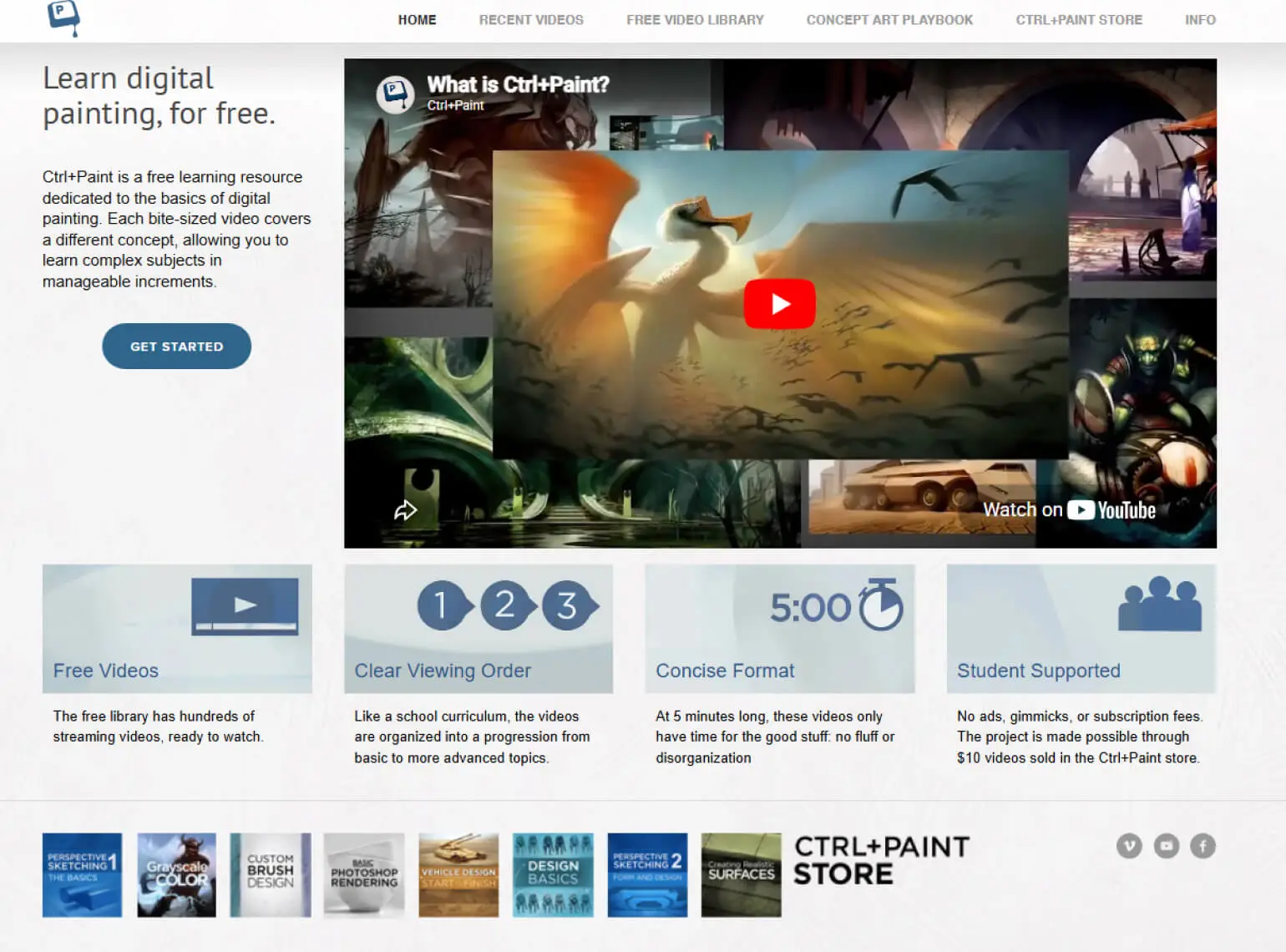
Ctrl+Paint is a free library of short, focused tutorials built specifically for people new to digital painting. The curriculum is thoughtfully sequenced — it starts from absolute basics and builds deliberately, covering composition, light and shadow, digital tool fundamentals, and more.
What sets it apart is the emphasis on simplicity. Each video is short (often under ten minutes), focused on one concept, and assumes nothing. It’s designed to get you painting as quickly as possible without overwhelming you with software settings or advanced theory before you’re ready for it.
💡 Best for:
Complete beginners who want a structured starting point. Think of it as a free digital art 101 course — one that moves at your pace and doesn’t require any payment to access the core curriculum.
Drawabox — For Building Clean Drawing Habits Early
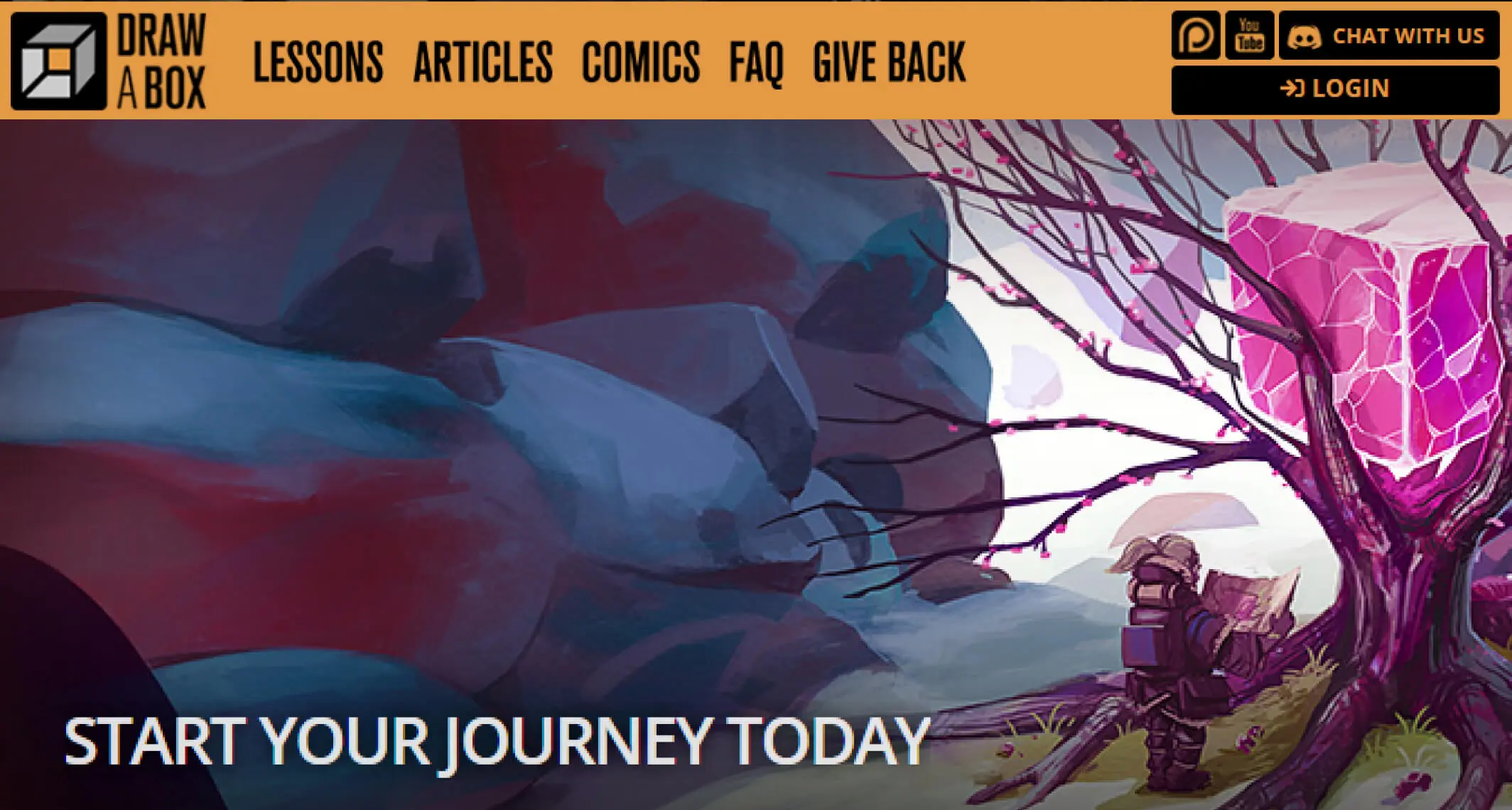
Drawabox is a free structured drawing course built entirely around exercises — lines, ellipses, boxes, organic forms, and eventually more complex spatial challenges. The whole thing is free, and it comes with a community that critiques your homework if you submit it.
The philosophy behind Drawabox is deliberate: drawing confidently from the shoulder, not the wrist. Clean, committed lines. Understanding 3D space before drawing complex subjects. It sounds basic, but these habits make a real difference in the quality of everything you draw afterward.
💬 From Allard:
Drawabox is genuinely humbling. You sit down thinking “I know how to draw lines” and discover very quickly that you don’t — not with confidence, not from the shoulder, not with consistent weight. The exercises feel repetitive because they’re meant to be. That repetition is building muscle memory that you’ll benefit from for years. I’ll be honest: I didn’t complete the full course — very few people do — but the early lessons on line confidence and 3D spatial thinking changed how I approach sketching. Even partial engagement with Drawabox is worth it.
YouTube Channels Worth Your Time
Marc Brunet — The Closest Thing to a Free Art School
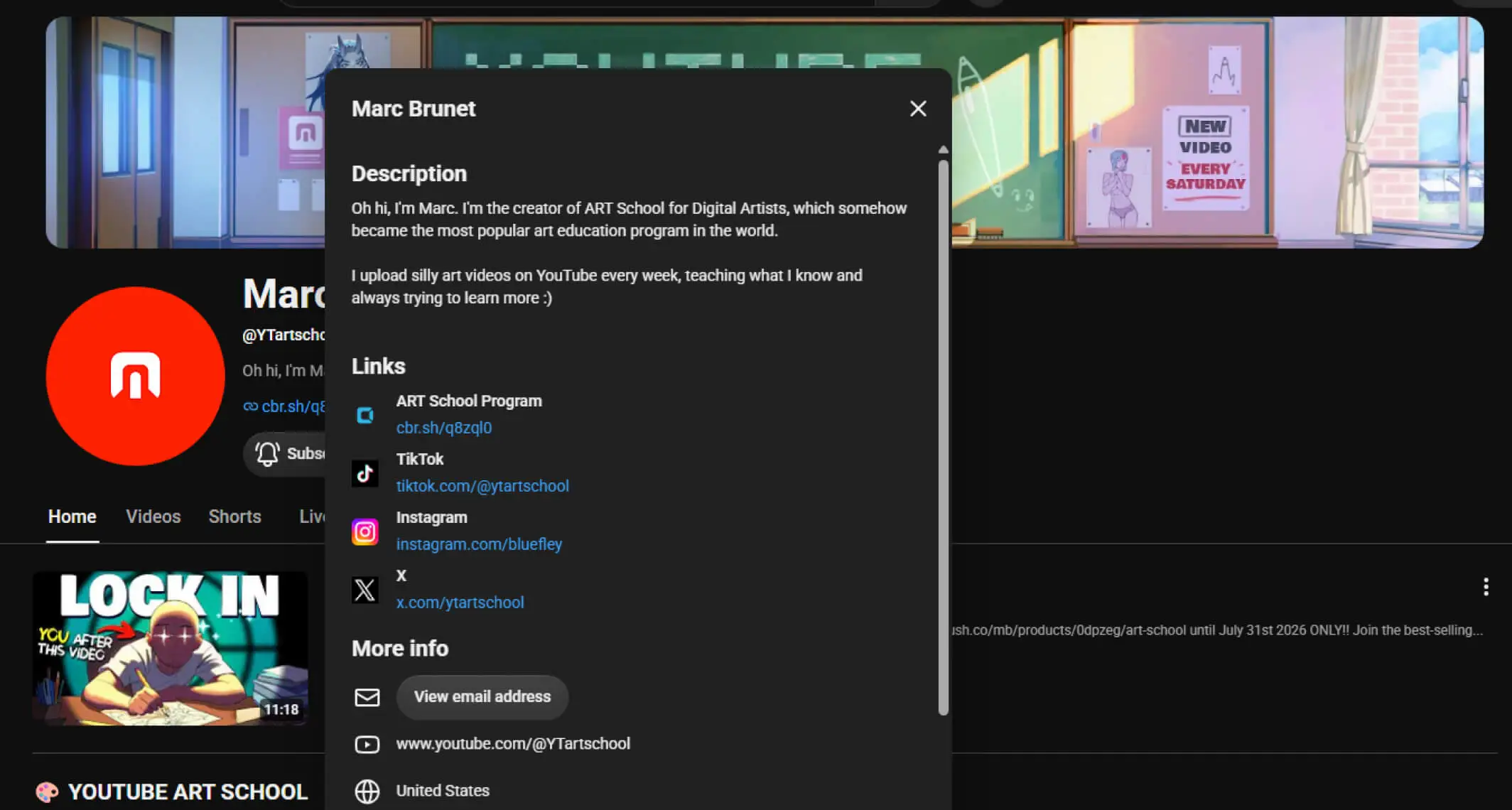
Marc Brunet’s YouTube Art School is one of the most comprehensive free art education resources that exists. Marc is a former Blizzard Entertainment artist — he worked on games at the highest production level — and his teaching reflects that background. He covers anatomy, perspective, design theory, character creation, painting techniques, and professional mindset, all freely available on YouTube.
The standout resource is his “Art School for Digital Artists” playlist — a free companion to his paid course that’s designed to simulate a complete art education experience. For self-taught artists who want structured direction without tuition costs, it’s extraordinary.
Beyond his educational content, Marc is also the co-founder of Cubebrush.co, a popular online marketplace where digital artists sell assets, tools, and tutorials.
💬 From Allard:
Marc Brunet was a significant influence on my development — and I mean that specifically, not just as a compliment. His work was part of what I was studying when I was trying to understand what “professional-level” digital illustration actually looked like. Watching him break down figure construction, color relationships, and design thinking helped me understand not just how to paint something, but why certain choices work. That’s the difference between a good teacher and an encyclopedic one — Marc teaches the reasoning, not just the steps. I still revisit his content. If I had to point a self-taught artist toward one YouTube channel for a complete curriculum, this would be it.
Proko — The Standard for Anatomy and Figure Drawing
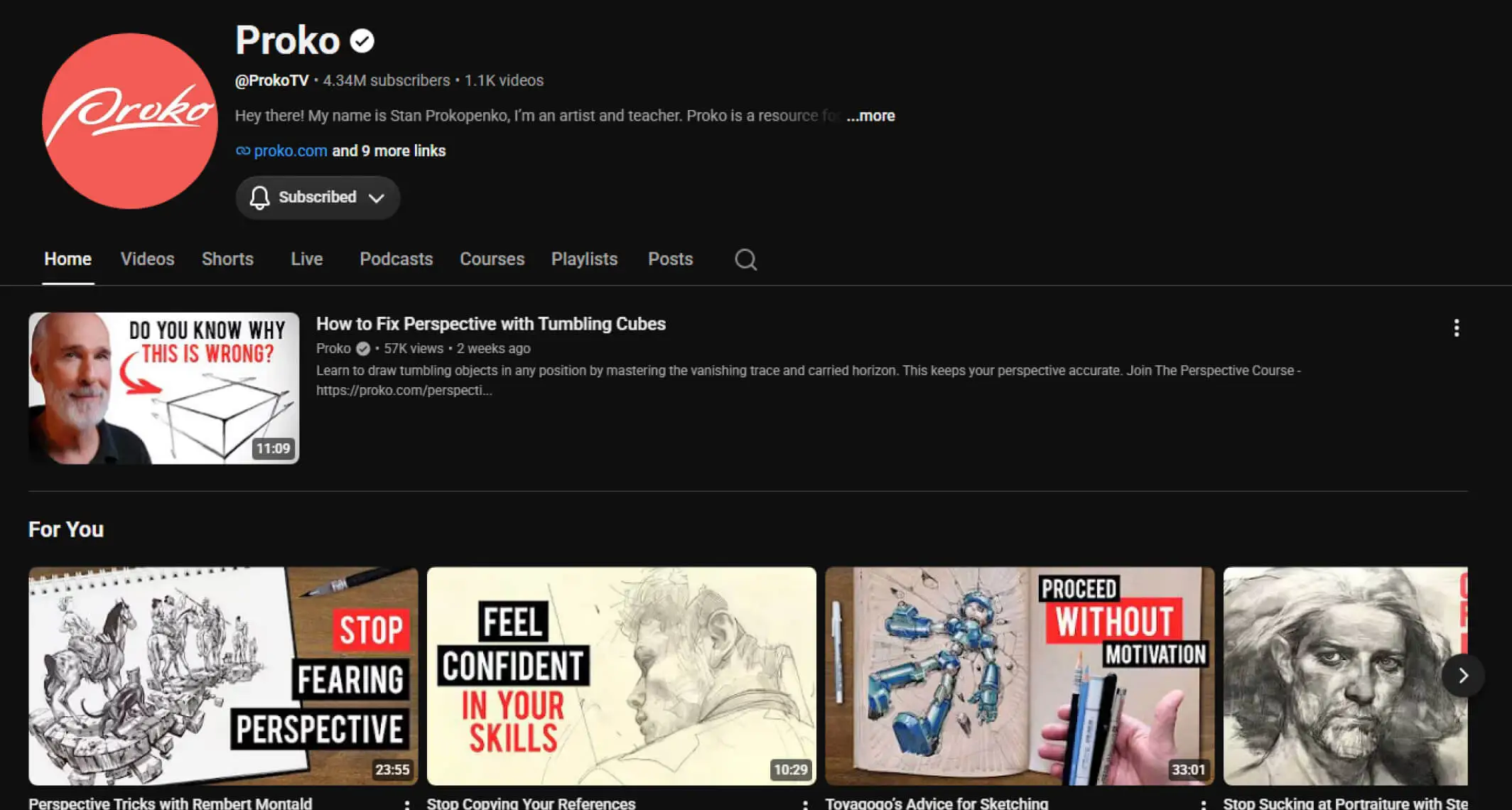
Stan Prokopenko’s YouTube channel is the gold standard for figure drawing and human anatomy. His tutorials demystify skeletal structure, muscle groups, proportions, and portrait construction in a way that’s both technically rigorous and genuinely entertaining to watch.
What makes Proko different from a dry anatomy textbook: he uses humor, clear diagrams, and real demonstrations to make difficult concepts feel approachable. The free content covers an enormous range — gesture drawing, landmark bones, the bean method for torsos, portrait structure, hands — and most of it is available at no cost.
💬 From Allard:
Proko was part of my regular rotation when I was building my anatomy foundation. Human anatomy is one of those subjects where bad information or unclear teaching can actively build wrong habits — you end up drawing “what you think a body looks like” rather than what it actually looks like. Proko fixed that for me. His bean-and-robo approach to torso construction especially — I still think in those terms when I’m blocking in figures. If you draw characters at all, anatomy is non-negotiable, and Proko is the clearest free resource I’ve found for it.
Sycra — Painting Logic and Color Theory Done Right
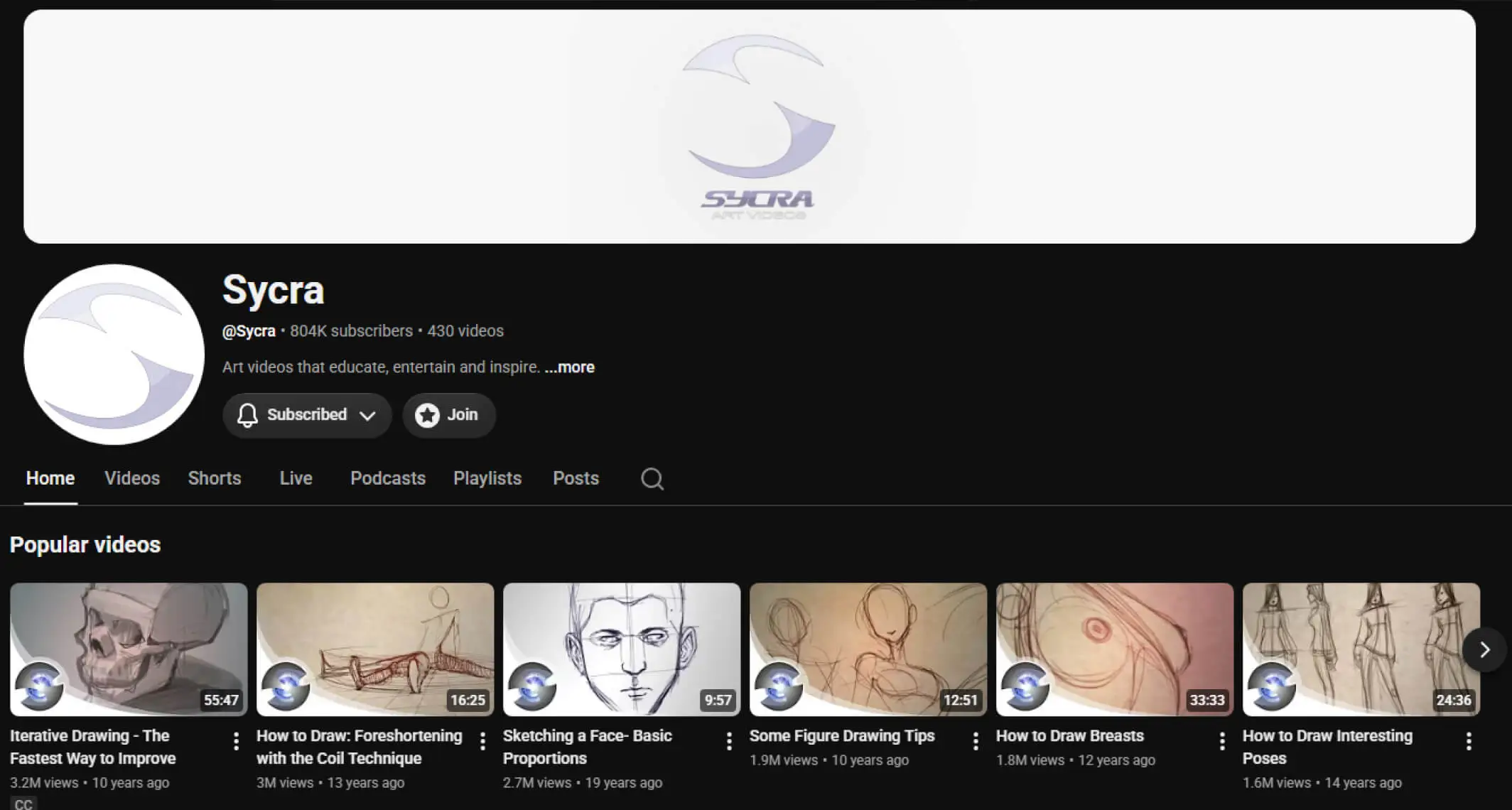
Sycra’s YouTube channel covers digital painting, color theory, character design, and the underlying logic of how paintings work. His step-by-step approach is unusually clear — he doesn’t just show you what he’s doing, he explains why each decision is being made, which is where the real learning happens.
The content spans all skill levels. Beginners can start with his fundamentals videos and find them immediately useful. More experienced artists can dig into his color theory and design thinking content and still find things they hadn’t considered before.
💬 From Allard:
Sycra’s color theory content specifically changed how I think about painting. There’s a point in every digital artist’s development where you can render things reasonably well but your colors feel off — muddy, flat, or inconsistent. Sycra’s explanations of color temperature, value relationships, and how colors interact in light and shadow addressed that problem directly for me. His teaching style isn’t flashy, but it’s precise in a way that flashy teaching rarely is. If your paintings feel technically correct but somehow lifeless, his color content is worth watching carefully.
FZD School of Design (Feng Zhu) — For Concept Art and Professional Mindset
Feng Zhu’s YouTube channel is aimed at artists who want to work professionally in entertainment — games, film, animation. Feng is one of the most respected concept artists in the industry, and his channel reflects that depth. The content goes beyond technique into world-building, visual storytelling, environment design, and how professional concept artists think about their work.
He doesn’t just teach you how to draw a spaceship. He teaches you why it’s designed the way it is — what the design communicates, how it fits the world it exists in, and how a professional approaches those decisions systematically.
💡 Be honest with yourself before diving in:
FZD content is genuinely advanced. If you’re still building your fundamentals, save this channel for later — it’ll make much more sense once you have solid drawing and painting skills to apply the design thinking to. Trying to absorb Feng Zhu before you can draw confidently is like reading graduate-level theory before you’ve learned the basics.
Circle Line Art School — Environments and Perspective
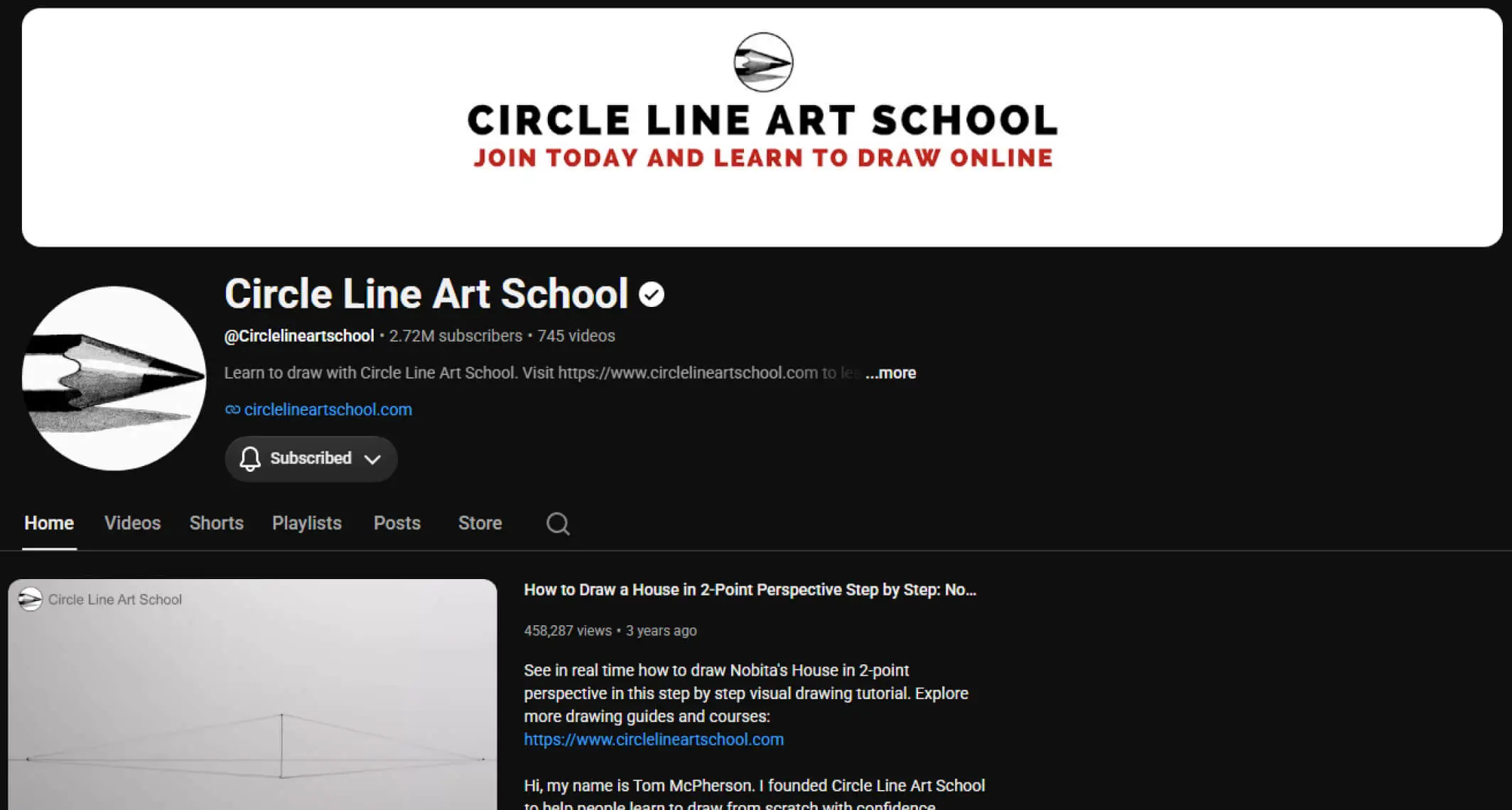
Circle Line Art School is excellent for anyone who wants to draw believable environments, architecture, and scenes with convincing perspective. Their tutorials break down 1-point, 2-point, and 3-point perspective clearly and apply those principles to practical subjects — cityscapes, interiors, vehicles, landscapes.
Perspective is one of those skills that character-focused artists often neglect for years, and then suddenly need badly when they want to place their characters in real environments. Getting the fundamentals early makes everything easier later.
Alphonso Dunn — Traditional Foundations That Transfer Directly to Digital
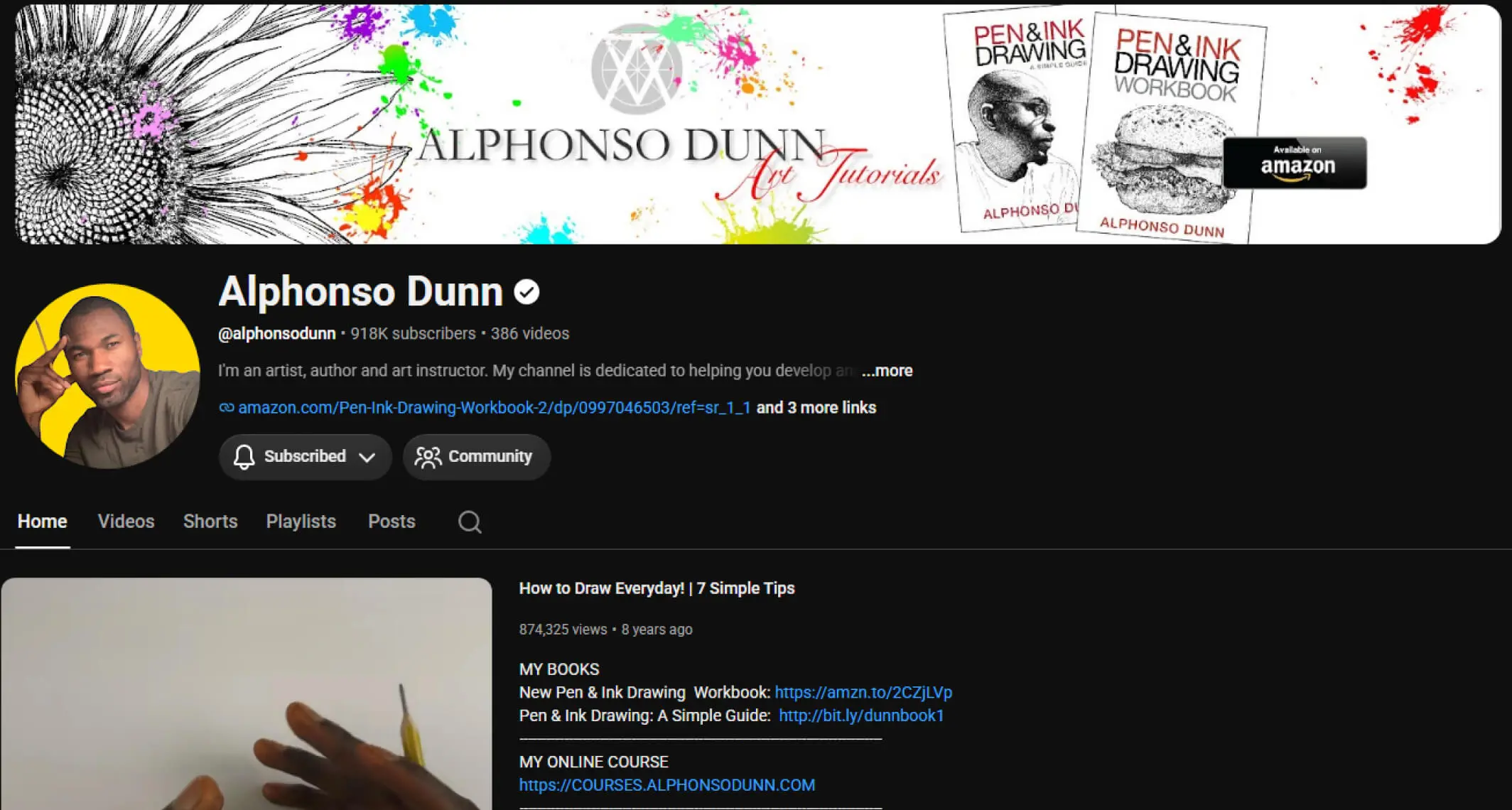
Alphonso Dunn’s channel is primarily focused on traditional pen and ink drawing — but the principles he teaches (line weight, form, texture, value, anatomy, environmental sketching) transfer directly and completely to digital work. His attention to detail and step-by-step clarity make him worth following even if you never pick up a physical pen.
💡 Who this is for:
Artists who feel their digital work lacks the confident, intentional quality of traditional illustration. Watching someone think carefully about every line in a pen drawing changes how you approach every stroke in a digital piece.
Platforms and Communities
Society of Visual Storytelling (SVS Learn) — Illustration and Storytelling
SVS Learn is a community and education platform focused on illustration — particularly children’s books, editorial work, and visual storytelling. The paid membership unlocks a large course library, but the free YouTube channel and podcast contain substantial value at no cost.
What sets SVS apart from pure technique channels is the emphasis on storytelling through images — not just how to draw well, but how to communicate something through a composition, how to build a career as a working illustrator, and how to develop a personal voice in your work. The instructors are working professionals who bring real-world publishing and freelance experience to their teaching.
✅ Best for:
Artists who want to work in illustration, children’s publishing, or editorial art — and who want community and professional context alongside technical instruction. The podcast alone is worth following regularly.
Digital Painting Studio — Concept Art Introduction
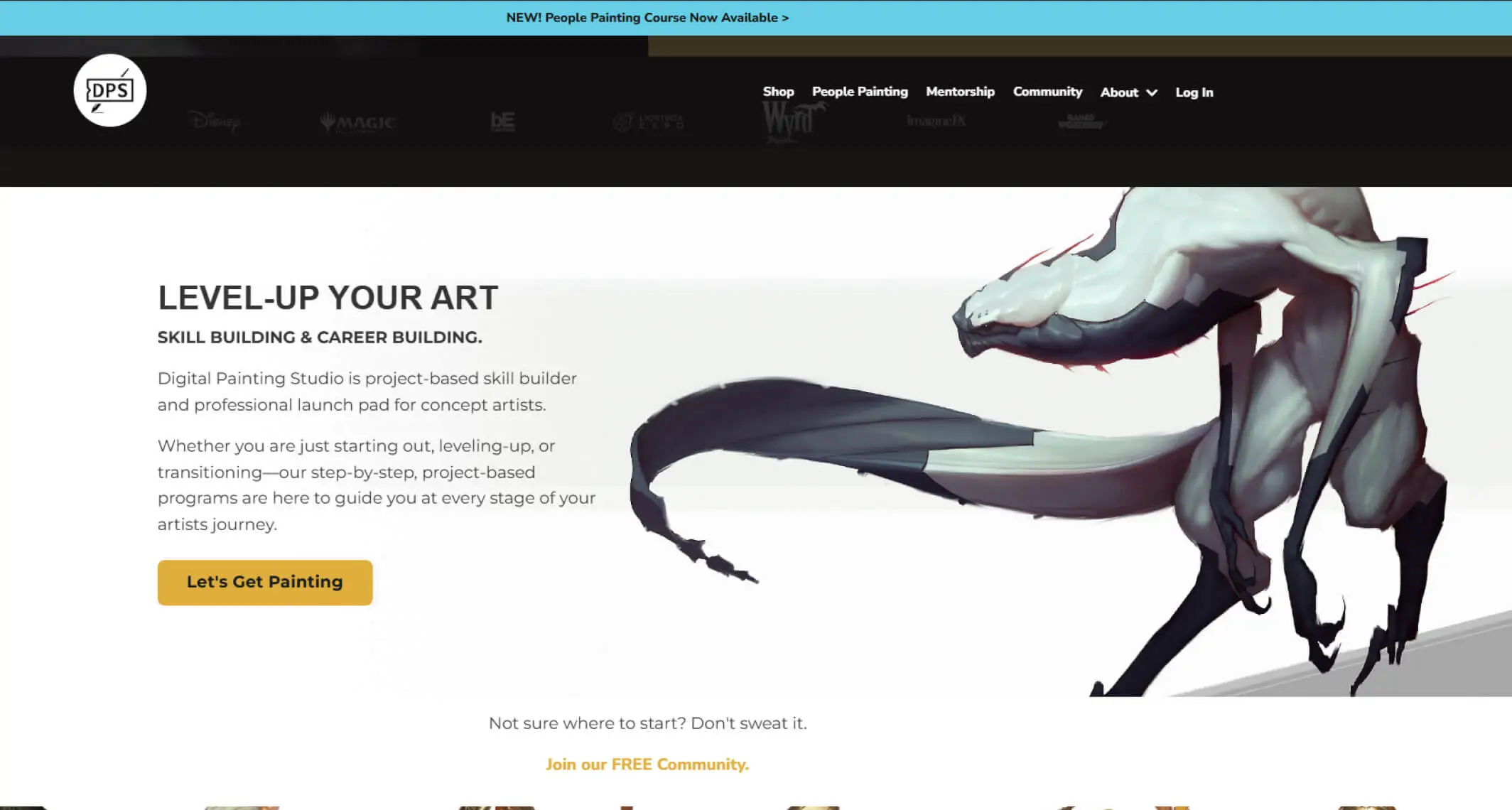
Digital Painting Studio offers free introductory lessons that focus on Photoshop basics and art fundamentals in the context of concept art production. While many of their deeper courses require payment, the free content is worth exploring as a preview of professional concept art workflow and technique.
It bridges beginner-level art fundamentals with the expectations of professional concept art production — giving you a realistic sense of where the work is heading before you’ve fully committed to that path.
Cubrush.co — online e-commerce marketplace
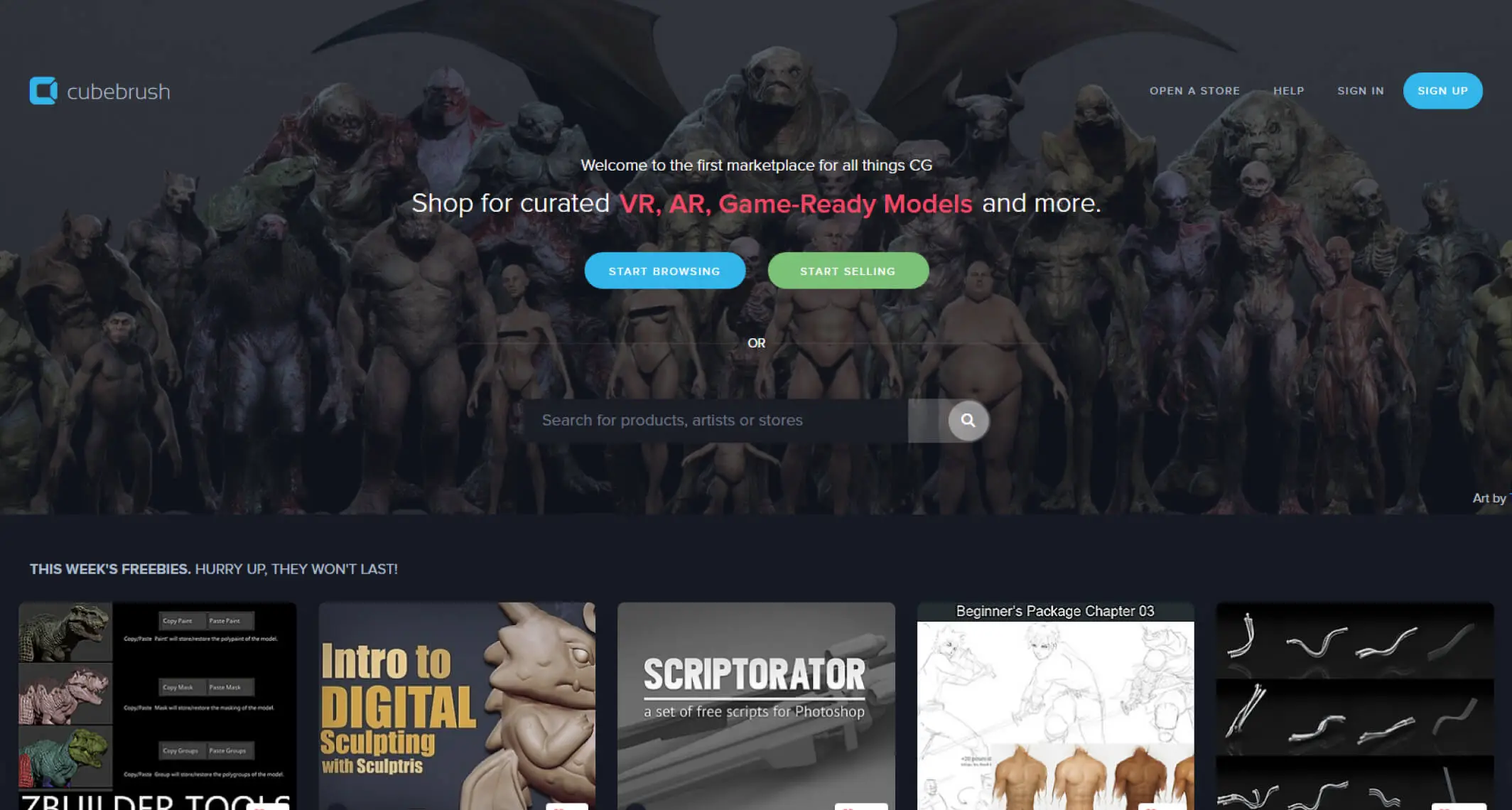
Cubebrush is a curated, creator-focused marketplace for digital artists, offering brushes, 3D assets, and tutorials with high revenue-sharing for creators. It serves as a specialized storefront for professionals to buy or sell digital tools and resources.
💡 Best for:
Artists looking for professional-grade resources to speed up their workflow, or creators looking for a high-revenue-share platform to host their own digital store and monetize their art tools.
How to Actually Use These Resources (Without Getting Overwhelmed)
The biggest mistake self-taught artists make with free resources isn’t choosing the wrong ones — it’s trying to watch everything without making anything.
Free content is infinite. Your time isn’t. And watching tutorials is not the same as practicing. The knowledge only becomes skill when your hand is moving.
💬 From Allard — what actually worked:
My learning accelerated when I stopped trying to find the perfect tutorial and started just painting more. I’d watch a Proko video on anatomy, then immediately try to draw what he demonstrated — not copy it, but draw from reference using his approach. I’d watch Marc Brunet break down a painting decision, then try to make a similar decision in my own work. The YouTube content gave me the vocabulary to understand what I was doing wrong. The painting sessions were where I actually got better. If you’re watching more than you’re drawing, flip the ratio. Watch one thing, then paint for twice as long as you watched.
Here’s a practical framework for using these resources without losing yourself in content consumption:
| Where You Are | Start With | Then Add |
|---|---|---|
| Complete beginner | Ctrl+Paint + Drawabox | Proko for anatomy once you’re comfortable making marks |
| Can draw but paintings look flat | Sycra’s color theory videos | Marc Brunet’s painting process breakdowns |
| Comfortable with characters, weak on environments | Circle Line Art School for perspective | FZD when you’re ready for design thinking |
| Want to work professionally in illustration | SVS Learn podcast + free YouTube | Marc Brunet’s Art School playlist for curriculum structure |
| Aiming for concept art / games / film | Marc Brunet + FZD in parallel | Digital Painting Studio for workflow context |
Frequently Asked Questions
What tools do I need to start learning digital art?
A drawing tablet, a computer, and free software — that’s the entire list. For tablets, a basic Wacom Intuos or Huion equivalent in the $50–$80 range is more than enough to start. For software, Krita is free, excellent, and everything you learn in it transfers directly to paid software later. Don’t spend more until you’ve been drawing consistently for at least six months and have a specific reason to upgrade. I have a full breakdown of free drawing software options in my free drawing apps guide.
How long does it take to become proficient in digital art?
With consistent, intentional practice — meaning you’re deliberately working on your weak areas, not just producing comfortable work — most people see visible, significant improvement within 6–12 months. Reaching a level where your work reads as genuinely competent and developed typically takes 2–4 years of dedicated effort. These aren’t discouraging numbers — they’re honest ones. The artists who improve fastest aren’t the most talented; they’re the ones who practice deliberately and finish things rather than abandoning pieces when they get difficult.
Are free resources enough to build a career in digital art?
Yes — and many working professionals built their foundations entirely on free content. The resources in this guide, combined with consistent practice and a growing portfolio of finished work, are genuinely sufficient to reach professional-level skill. Paid courses can accelerate specific areas of development, but they’re not the bottleneck. Practice is the bottleneck. A beginner who watches free tutorials and paints for two hours a day will outpace someone taking expensive courses but barely practicing every time.
How do I stay motivated while learning digital art online?
Build structure rather than relying on motivation. Motivation fluctuates — structure doesn’t. Set a specific time for drawing each day or week and treat it as a commitment rather than an aspiration. Keep dated archives of your work so you can compare where you are now to where you were three months ago — this comparison almost always shows progress that’s invisible week-to-week. Join communities (Discord servers, Reddit’s r/learnart, SVS Learn’s community) where other artists are working through the same challenges. And protect some of your drawing time for work that isn’t for posting or feedback — creative play without judgment is where a lot of motivation gets quietly recharged.
Can traditional artists transition easily to digital art?
The transition is easier than most traditional artists expect. Your existing understanding of form, light, shadow, composition, and color theory transfers completely — those skills don’t belong to any medium. What requires adjustment is the physical feel of drawing on a tablet (the hand-eye disconnect takes a few weeks to adapt to), the software workflow (layers, blend modes, undo), and the different tactile feedback of a stylus versus a pencil or brush. Most traditional artists are drawing comfortably in digital within a month of starting. The technical knowledge you’ve built is a genuine head start.
Should I focus on one resource or use several at once?
Use one resource per skill area at a time, not five covering the same ground. If you’re working on anatomy, follow Proko — don’t simultaneously watch three different anatomy channels and compare their approaches. That creates confusion rather than clarity. Once you’ve absorbed what one teacher has to offer on a topic and you’ve practiced it thoroughly, then move to another perspective. The exception is using complementary resources simultaneously — for example, Ctrl+Paint for digital fundamentals while following Drawabox for line and spatial exercises. These don’t overlap; they support each other.
What’s the single most important thing to study first?
Value — the relationship between light and dark. Before color theory, before anatomy, before perspective: if you can’t read the light in a scene and translate it into a convincing range of lights and darks, nothing else you learn will save the painting. Ctrl+Paint’s value and light series is the place to start. Work in greyscale for your first month of serious study. Add color only after you can consistently paint convincing light and shadow. This is the order that the best self-taught artists I know of have followed, and it’s the order I’d give to anyone starting over today.
What to Read Next
- What Is Digital Painting? — the full breakdown of tools, workflow, and what to actually expect when you sit down to paint for the first time
- Best Free Drawing Apps for Beginners — which software to pair with these resources, tested and rated honestly
- Color Theory Made Simple — a practical guide to the color concepts that Sycra and Marc Brunet will reference constantly in their tutorials
- How to Find Your Art Style in 3 Steps — once you have the fundamentals, this is the next question every artist asks
- 8 Habits That Will Actually Improve Your Art — the practice structure that makes these resources actually work long-term
The resources are here. The tutorials are free. The only thing standing between you and real improvement is making actual work — finished pieces, not just studies. Watch something, then paint twice as long as you watched. Repeat that for a year. The results will surprise you.
Discover More Posts
Keep exploring stories, insights, and creative notes from my journey as an artist. Check out the latest blog entries and find topics that inspire your own process.
5 Hidden Art Career Killers That Stop Most Artists Before They Even Start — And How to Beat Them
Learn to draw anime-style clouds with this easy, step-by-step cloud tutorial. You’ll pick up tips on shapes, color, and composition—plus get free cloud brushes to use in your own art.

Sketching vs. Drawing: 5 Powerful Insights Every Artist Should Know
Learn the key differences between sketching and drawing—how detail, speed, tools, and intent separate the two and when to use each in your art practice.
How to Find Your Art Style in 3 Simple Steps
Learn how to find your unique art style through a clear three-step process. Discover how to collect inspiration, analyze your influences, and build your own signature look with deliberate practice.